~/jukz · Blockbench guide
Cosmetics in Blockbench
From an empty file to a hat that moves on everyone who wears it. Start from the template: it already has the player to build on and an example that uses every trick.
01What you need
02Step by step
- 1Open
jukz-template.bbmodelin Blockbench (File → Open). It is a “Generic Model”. - 2Build your piece on the player. Don’t move the player: where you put it is exactly where it goes in the game.
- 3Put each piece that moves in its own group, and place the group’s pivot where it should turn (the base of an antenna, the root of a wing).
- 4In the Animate tab, make up to three looping animations:
idle,walk,sneak. - 5Save the .bbmodel and send it from make a cosmetic. We send back how it looks in game.
03How the template is organised
The template’s outliner (top right in Blockbench), and what each line becomes in jukz:
▸ reference      ← the player: never sent, only for size and place
▪ band           ← outside any group: never moves
▸ antenna_l      ← a part: turns around its pivot
  ▪ stalk        ← moves with antenna_l
  ▸ tip_l#1=40   ← frame 1 of “tip_l”, shown 40 ticks
  ▸ tip_l#2=6    ← frame 2, 6 ticks: the light blinks
▸ antenna_r      ← the same, mirrored
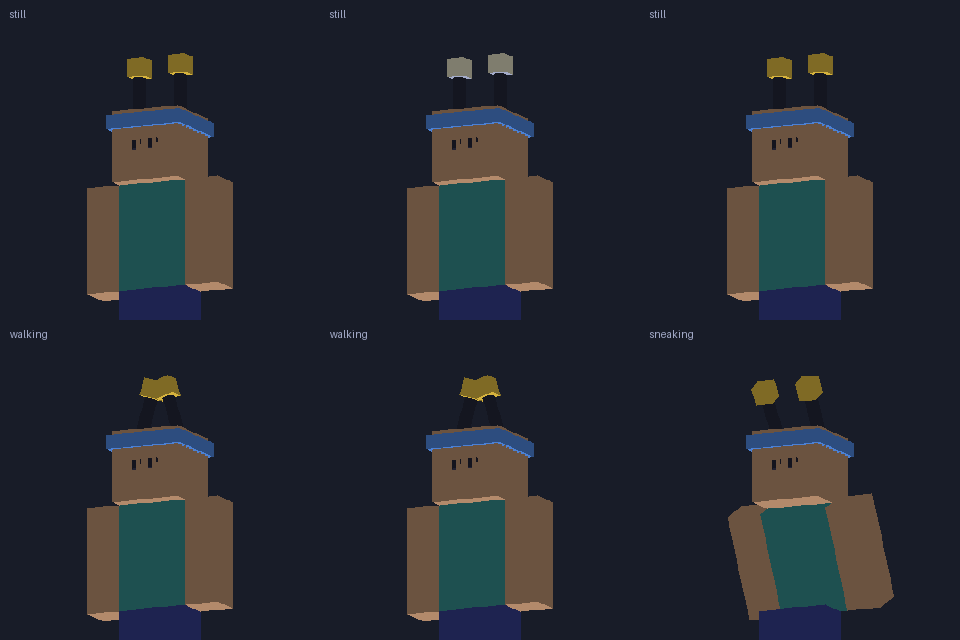
The template in jukz. Still, walking, sneaking: the antennas sway, swing harder when you walk and bend back when you sneak.
04The three animations
| Name | Plays when | In the template |
|---|---|---|
idle | you stand still | a slow sway, 2 s per loop |
walk | you walk or run (it blends in with speed) | faster and wider, 0.5 s |
sneak | you sneak (it replaces the others) | bent back, barely moving |
- Set each one to loop, and make the last keyframe equal the first.
- Each loop becomes one smooth back-and-forth swing: two or three keyframes are enough. More detail than that gets smoothed out.
- Rotation and position work. Any of the three can be missing: a part with no
walkkeeps itsidlewhile you walk. - Time: 1 second = 20 game ticks.
05Special names
| Add to a group name | What it does | Example |
|---|---|---|
#N=T | Frame N of a part, shown T ticks; frames take turns in a loop | eyes#1=170, eyes#2=6 |
@still | Only while standing still | zzz@still |
@moving | Only while walking or running | eyes_open@moving |
@sneaking | Only while sneaking | shield@sneaking |
@standing | Hidden while sneaking | feather@standing |
Both can go together: tip#1=40@still. Frames of one part are sibling groups with the same name and their own numbers; the first one’s pivot and animations count for all of them.
06What works and what doesn’t
Works
- Cubes of 1 pixel, or of half a pixel for finer detail
- Rotated cubes
- Groups inside groups (a tail tip that follows the tail)
- Up to 48 pixels per side and 52 colours
- Hats, face pieces and back pieces
Doesn’t (yet)
- Endless spins (a propeller): only back-and-forth
- Molang formulas in keyframes: write numbers
- Scaling
- Groups rotated in Edit mode: rotate the cubes, or animate the group
- Capes (Mojang’s rules)
07Made this way
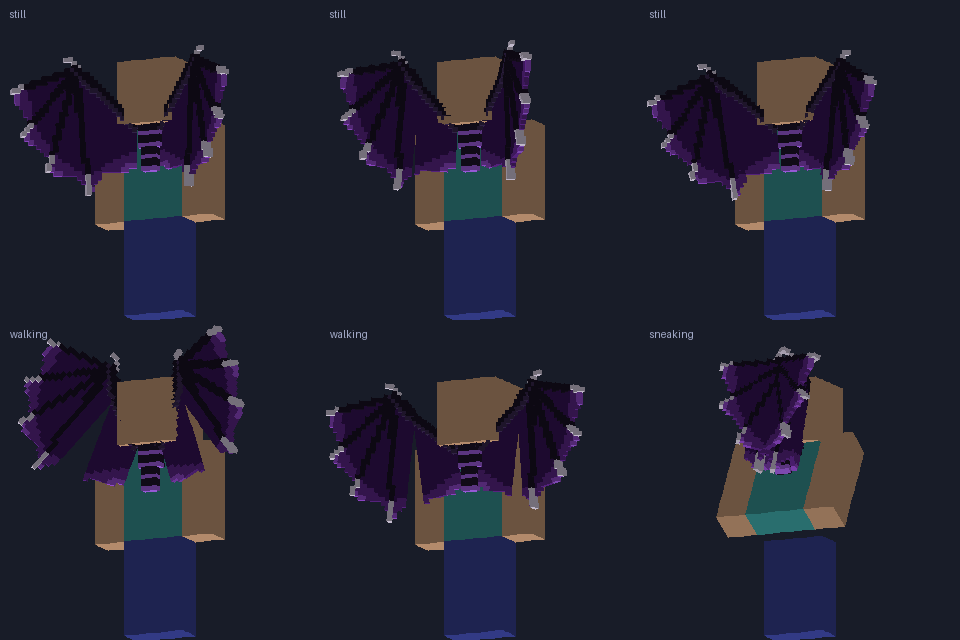
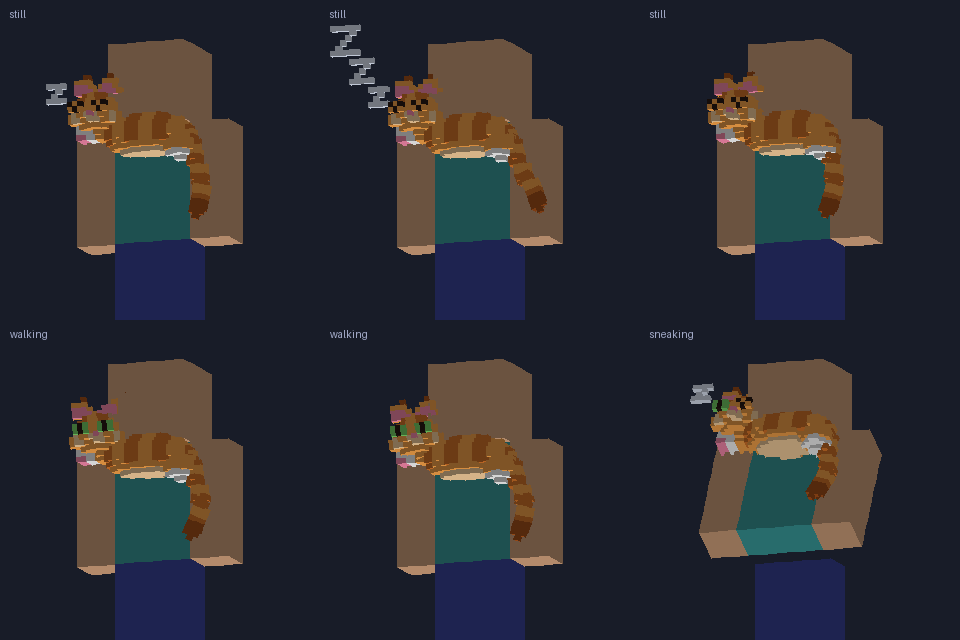
08Send it
Animated cosmetics move in jukz from version 0.4.4 on; older versions show them still, in their rest pose. Send your .bbmodel from the creators page: you see it in 3D before sending.