##See it work
##Chromium without a window
pane starts Chromium off-screen: it opens no window at all, it only paints the page into a pixel buffer (BGRA) that your app uploads to a texture and draws wherever it wants. A version number tells you when it changed, so you only re-upload what's needed. Dropdown menus come separately, to draw on top
##Input like a browser
Mouse and keyboard go in with GLFW's codes, the same ones Minecraft and most Java games use: double and triple clicks, dragging, the wheel (shift scrolls sideways), typed text and the usual shortcuts (Ctrl+R, Alt+← and →, Ctrl zoom). The cursor turns into a hand over links
##Its own installer
Chromium isn't in the jar: the first time it's downloaded for your system (Linux, Windows or Mac, x64 or ARM), checked against its SHA-256 and unpacked with pane's own tar.gz reader, no dependencies. After that it isn't even downloaded. The files come from my own copy at chromium.nuulm.com (R2), so I don't depend on someone else's server
##The details that took work
java-cef's native side cancels every new window before telling Java, so pane injects a script that opens those links in the same page. The native side also has the right and middle buttons swapped. And the same-origin policy stays on (MCEF turns it off), because people pay on these pages
your app (Minecraft, a Java game…)
 │ Pane.install ─► chromium.nuulm.com ─► sha256 ✓
 │ Pane.start · Pane.open("https://…")
 ▼
Chromium off-screen (java-cef)
 │ onPaint ─► BGRA pixels + version
 ▼
game texture ─► the page, drawn your way
 ▲
 └─ mouse · keyboard · wheel (GLFW codes)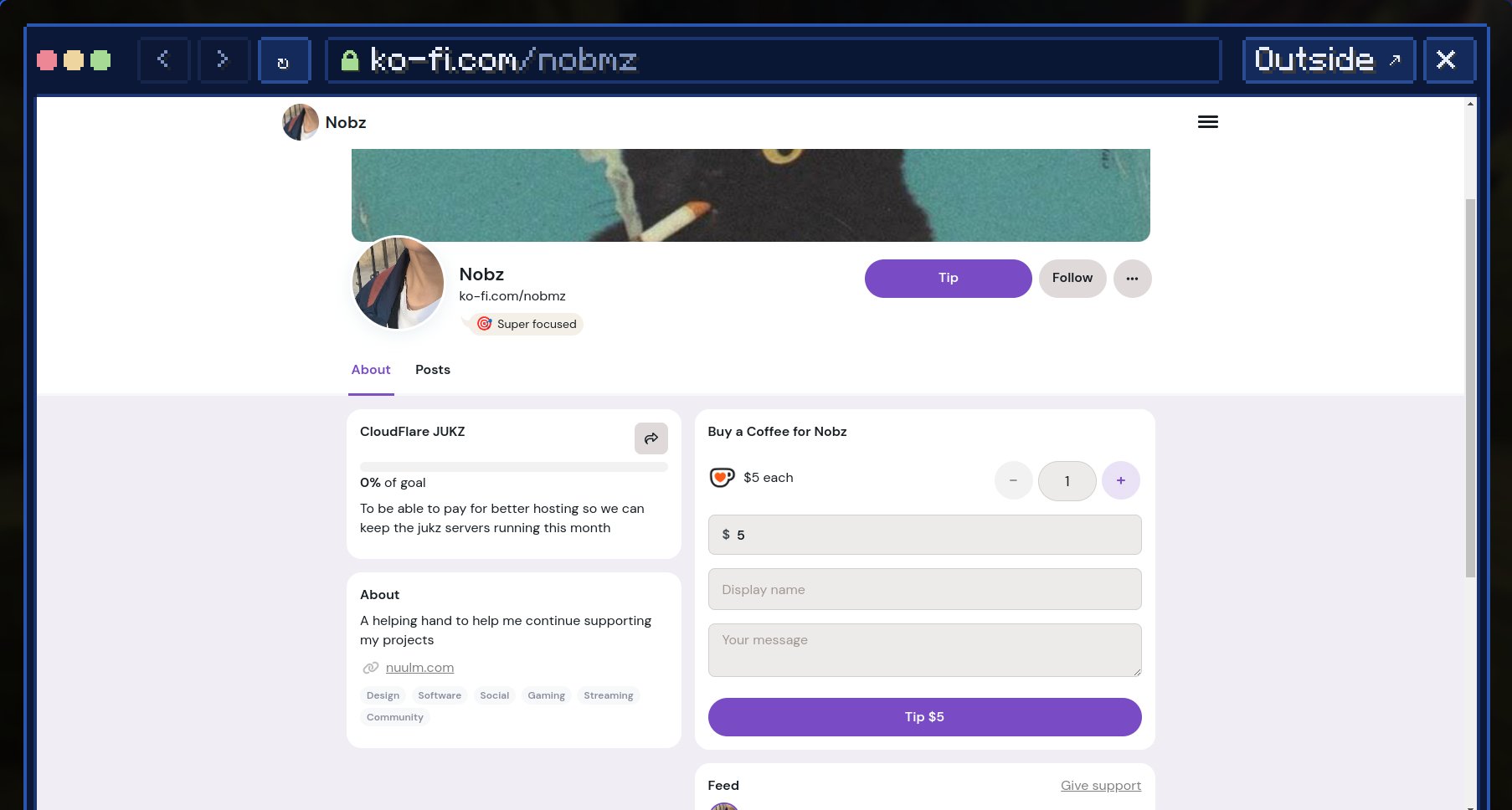
##Log
- MCEF firstThe prototype used MCEF and worked on Minecraft 1.21.1, but MCEF doesn't exist for 1.21.11 or 26.2, and it's LGPL
- My own librarypane, written from java-cef's API: installer, pixels, input and cursor. Tested on all three Minecraft versions jukz supports, with Ko-fi, text fields, scrolling, links and back
- My own copy of ChromiumAll six builds moved to
chromium.nuulm.com. Copying them uncovered a bug: the Windows checksum comes in PowerShell's format and pane couldn't read it. Shipped as v0.1.1